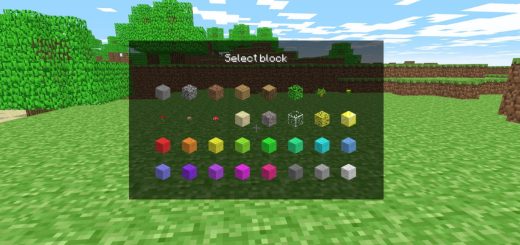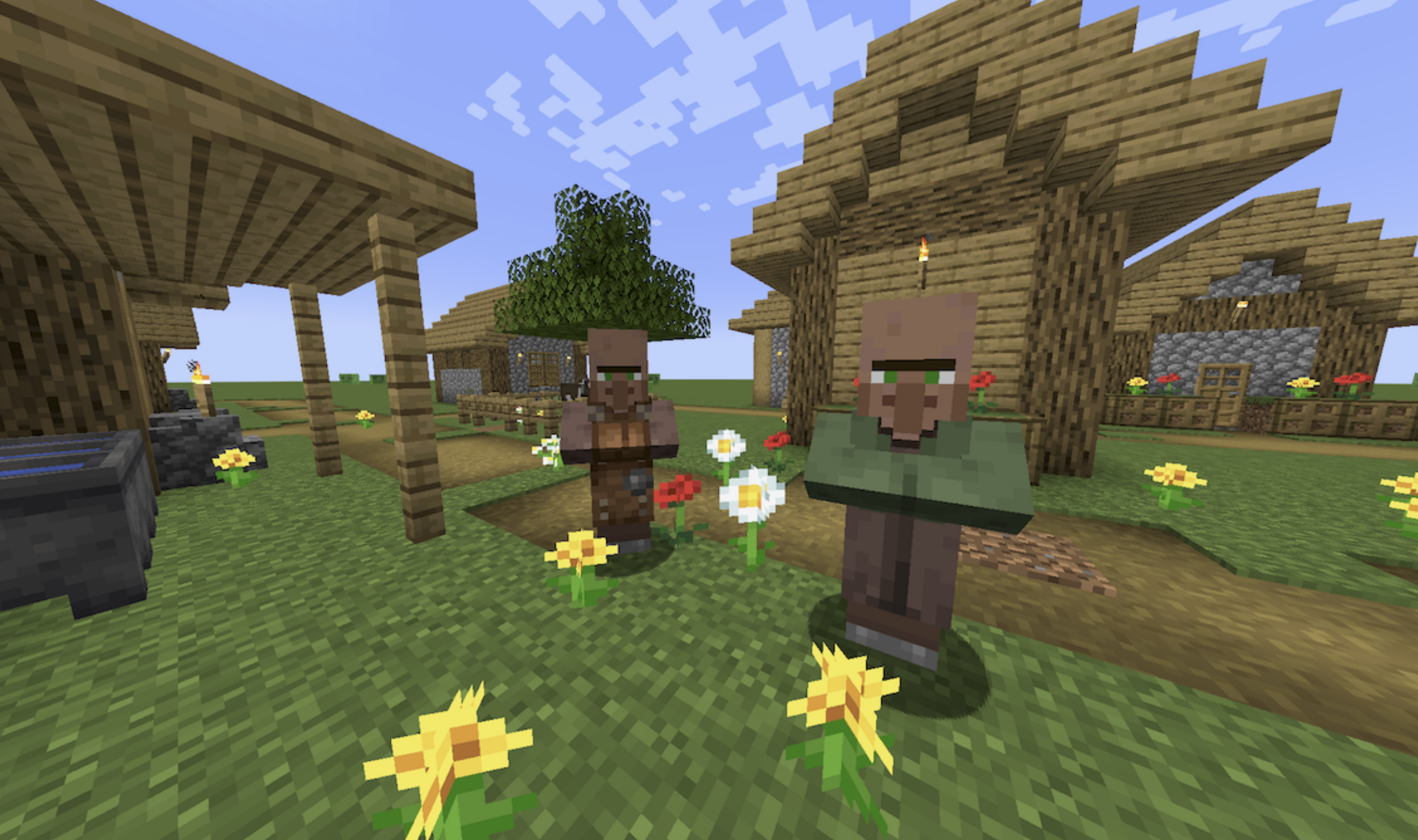
The Classic Craft online game is a browser Minecraft client, and the part worth knowing first is that it can join real Java Edition servers. Pick Connect to server, type an address, and the client talks to it through a small relay, since browsers cannot open the raw connection Minecraft normally uses. The Classic Craft unblocked game runs on the Duckcraft client, an open-source project that supports server versions from 1.8 up to the current 1.21 releases, with 1.19.4 and 1.21.4 the best tested.
Playing with other people
Vanilla servers work in full, including offline-mode ones that accept any username, and the client has a peer-to-peer option for hosting a singleplayer world for a friend without a server at all. Chat opens with T, Tab lists players, and the server list remembers what you have joined. Singleplayer is still there for solo sessions, with simple world generation and saves kept in the browser.
Controls match the desktop game, WASD and Space with the mouse for looking, mining and placing, and E for the inventory. It sits in the multiplayer games category, and the same client appears on the Duckcraft page, where the description covers worlds and saves rather than servers.
Classic Craft FAQ
Can Classic Craft join my friends’ Minecraft server?
If it is a Java Edition server, yes. Use Connect to server and enter the address. Online-mode servers that check accounts may reject a browser client, while offline-mode servers accept it.
Which Minecraft versions does Classic Craft support?
Servers from 1.8 through 1.21, with 1.19.4 and 1.21.4 being the most tested. Versions below 1.13 can misbehave.