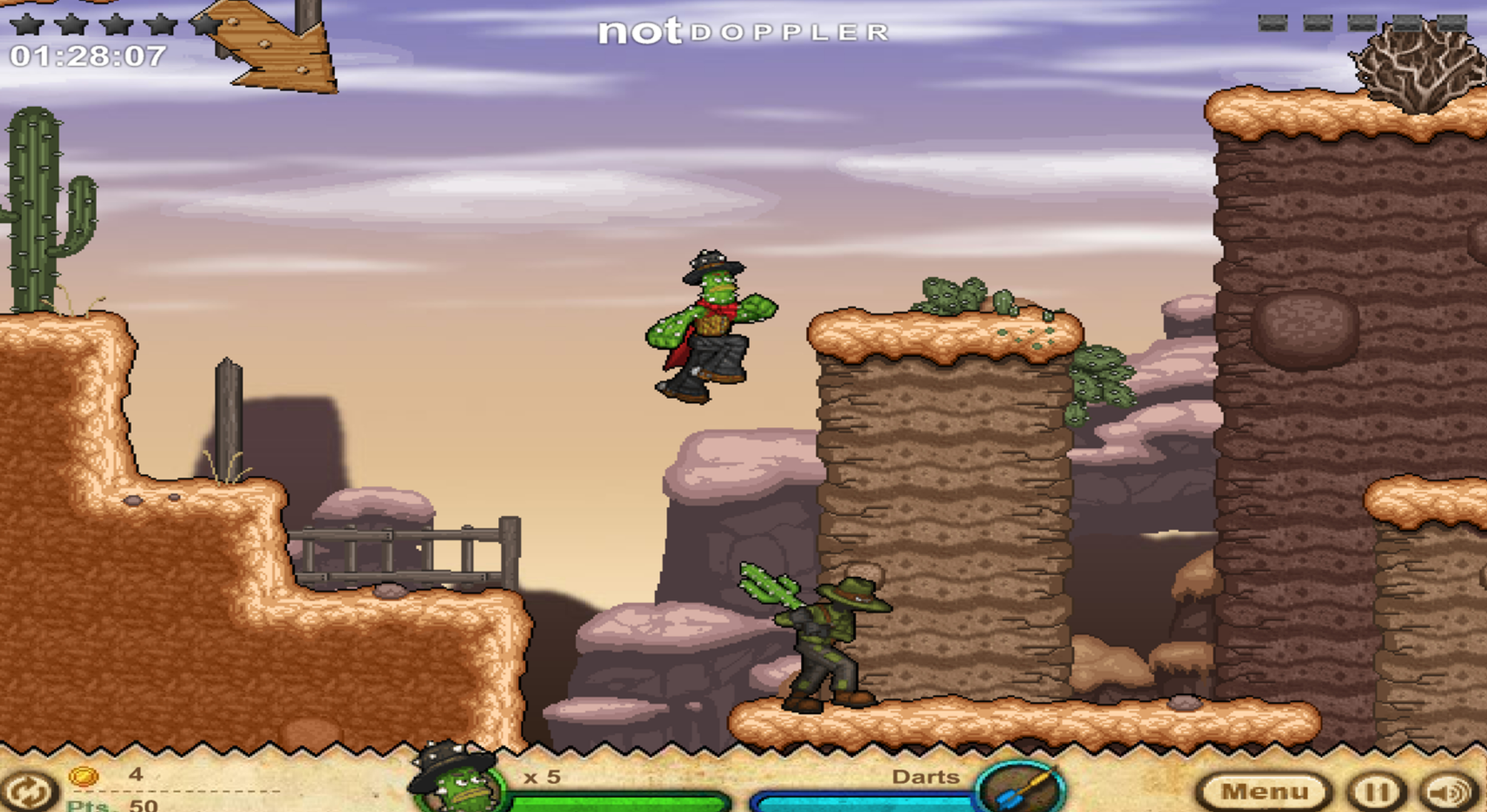
Cactus McCoy 1 online game is Flipline’s 2011 Wild West brawler with a curse for a plot: treasure hunter McCoy grabs the Thorned Emerald for Hex Hatfield, turns into a walking cactus, and has to carry the jewel back to its resting place before he hardens into stone. Every area ends with a map to the next, and between the maps you punch, shoot and throw your way through the Enemigos, who drop the very weapons you use against them. The Cactus McCoy 1 unblocked game is played entirely on the keyboard, arrows to run and A to jump, S to attack.
Weapons, ropes and chickens
Guns run out of ammo and clubs eventually break, so McCoy is always picking up whatever fell last, and pressing Down over a weapon swaps it in. Jumping at a rope or ladder grabs it, the arrows shimmy along, and a grabbed chicken turns into a glider for the long gaps. Each level lists challenges too, from hidden treasures to weapon kills, and they pay for upgrades.
This is the Flash original under Ruffle, complete with the Not Doppler preloader and a Papa’s Freezeria ad from Flipline’s own catalogue before the menu. It saves in the browser. The story continues in Cactus McCoy 2, and the run-and-jump shelf sits under platformer games.
Cactus Mccoy 1 FAQ
How do I pick up weapons in Cactus McCoy 1?
Stand over the weapon and press the Down arrow. D drops the current one, and Down also sets objects down gently instead of smashing them.
How do I aim in Cactus McCoy 1?
Hold an arrow while attacking with a gun or a thrown object. Standing still, hold Up and then Left or Right to aim diagonally.